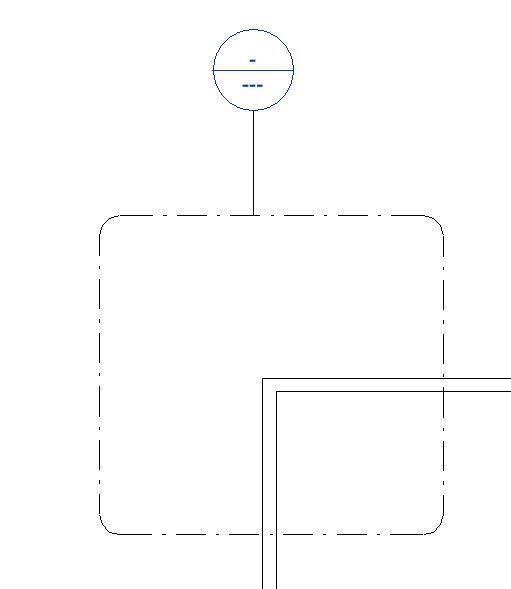
Callout views are used for creating an enlarged view of the part of an existing view. Callouts can be added to a plan, section, elevation or detail view. When you create a callout bubble with a callout tag, Revit crates a callout view. You can either create a view callout, a detail callout or a reference callout. Use a view callout when you want to provide more or different information about a part of the parent view.se a detail callout when you want to provide details about a part of the building model. Use multiple callout tags in different views to refer to one callout view.
Video Tutorials
Learn about how to create callout view with this Video Tutorial
Step by Step Guide:
- About Callout Types
- Create a Rectangular Callout View
- Create a Freehand Callout View
- Change Display Properties for Callout Tags
- Create a Reference Callout
- Change the Reference Label
- Modify Callout Properties
- About Callouts and Sheets
- About Changing the Boundaries of a Callout
- About Controlling Callout Visibility
- About Reference Callouts
Q&A
Have any Questions? or Suggestions? or Feedback? Please feel free to Contact Us, we will get back to you as soon as we can.
 Learning Revit Online